Use this flow to onboard end users from Dashboard into CLI.
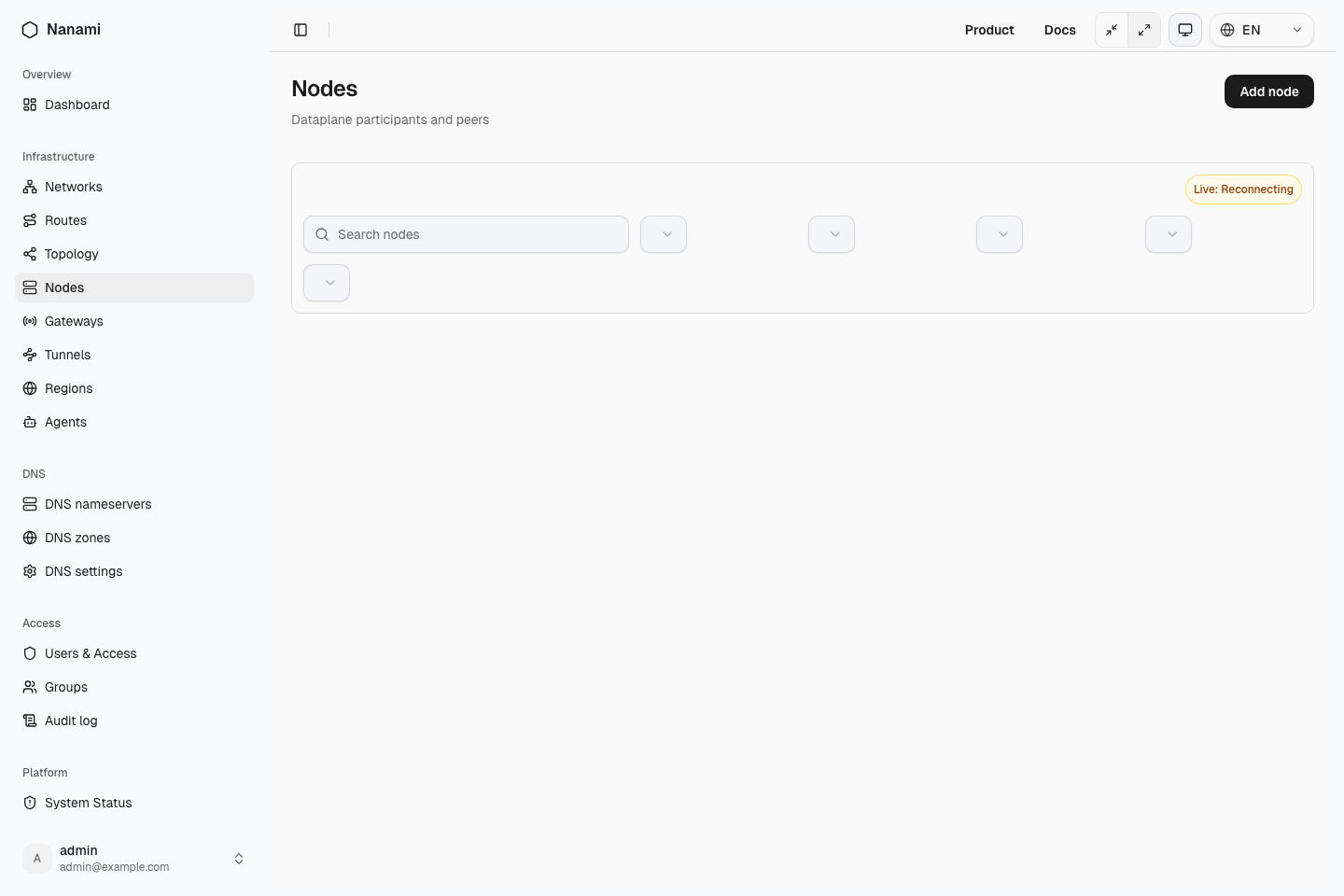
Step 1: Open Nodes page
Go to Dashboard → Nodes and click Add node.
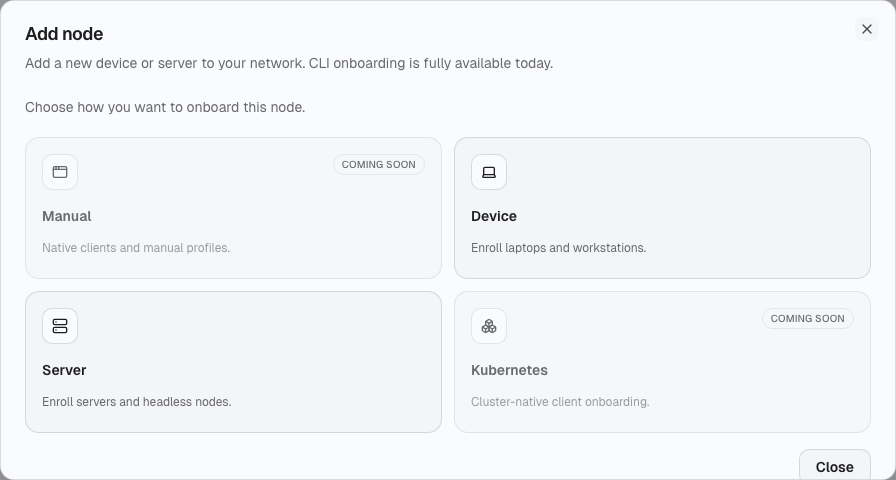
Step 2: Choose add method
Select Device or Server.
- Manual and Kubernetes are visible as coming soon.
- Both Device and Server currently continue into CLI onboarding.
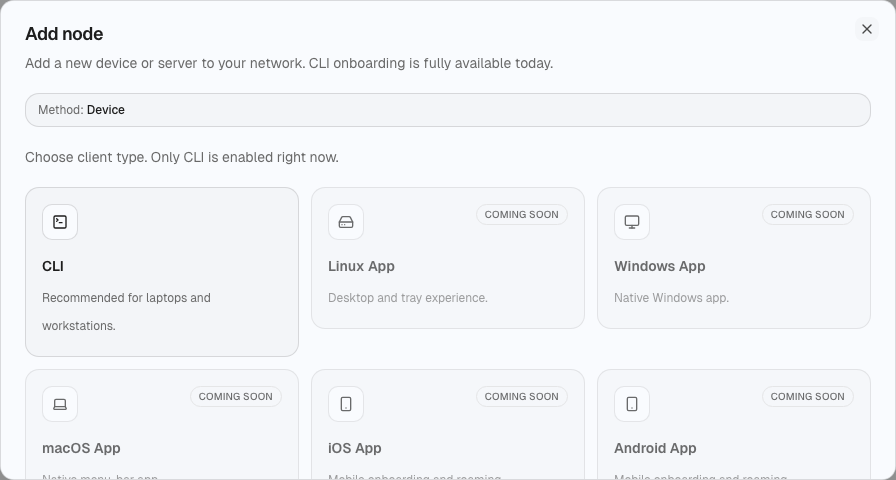
Step 3: Choose client type
Select CLI.
- Linux App / Windows App / macOS App / iOS App / Android App are visible as coming soon.
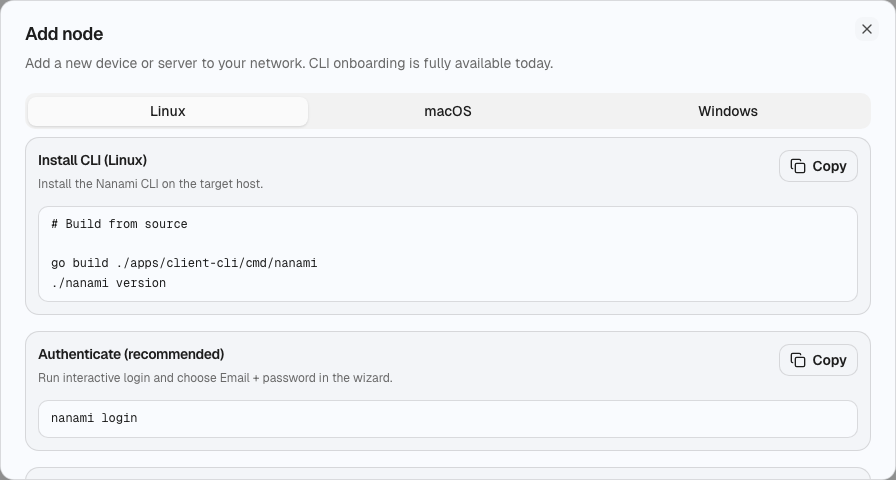
Step 4: Follow CLI instructions
Use OS tabs (Linux/macOS/Windows) and copy commands directly.
Included sections:
- install CLI
- authenticate (interactive or browser-assisted)
- connect
- exit-node
- diagnostics (
doctor,watch)
WG and GRE from user perspective
Users do not configure WG/GRE in CLI.
- Protocol choice is configured by platform operators in Dashboard.
- CLI shows observed protocol/runtime status (
wireguardorgre) in status and tunnel views.
Permission behavior
If CLI operation returns 403, show:
- permission denied
- short reason (if provided by API)
- next step: perform platform configuration in Dashboard